
COMMERCIAL FLOOR EQUIPMENT DATABASE
Commercial floor scrubber manuals, fault codes & troubleshooting.
Find the right manufacturer manual, look up a documented fault code, or start with your floor scrubber’s symptom. Match the model and manual revision before use.
Model guides: Tennant T7 beep codes · T300 manual · T600 manual & codes · Nilfisk SC500 manual
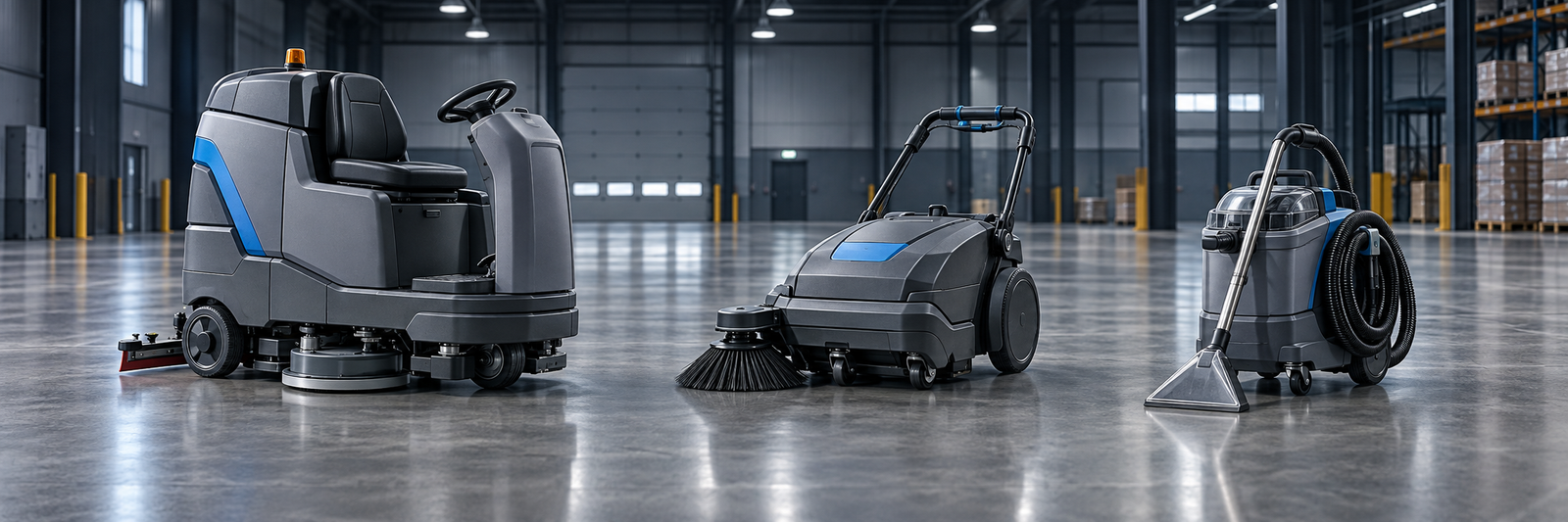
Explore equipment information
Start with the machine, symptom or document you already have. Every section is structured for fast field use.
Error Codes
Match recorded codes to documented conditions, source pages and model limits.
02Parts
Record part identifiers and check serial, option and catalog applicability.
03Manuals
Find operator, parts and service documents from traceable sources.
04Troubleshooting
Separate symptoms and prepare observations for qualified service.
Browse by equipment type
Featured source-linked guides
Explore selected model and symptom guides with traceable manufacturer documents. Check the exact variant and source scope on each page.
Tennant T7
Ride-on scrubber specifications, repeating alarm beeps, high-current indicators and official manuals.
Open T7 guide →Tennant T300
US range specifications, North American operator manual 9014501 and poor-water-pickup guidance.
Open T300 guide →Nilfisk / Advance SC500
Variant identification, official manual references, documented alarms and operator-safe symptom checks.
Open SC500 guide →Kärcher B 50 W Bp
US R55 and O51 configurations, manual 59787140, display messages and safe suction or water-flow checks.
Open B 50 W guide →Clarke Focus II Mid-Size
US scrubber configurations, operator manual 71483A and documented poor-water-pickup possibilities.
Open Focus II guide →Tennant S20 Battery
Ride-on sweeper dust-control and poor-sweeping references from Battery manual 9006704.
Open S20 guide →ABOUT OUR GUIDES
Clear equipment information from official sources
CleanEquip Pro organizes manufacturer manuals, specifications and troubleshooting references into practical, model-specific guides. We identify the source and revision when available, keep safety-critical work with qualified technicians, and correct pages as better documentation becomes available. How we research and update content →
Use a reference tool or printable record
Start with the exact machine and information already available. These tools organize evidence; they do not diagnose or authorize repairs.
Look up a recorded code
Select original T7, T500, T600 or T12/T12XP and one of 21 documented code or beep entries. Each result includes its source and applicability limits.
Open the code lookup →Print a model observation sheet
13 one-page records help capture model details, the existing symptom and earlier actions. Download individually or as one pack.
Download observation sheets →Choose the right manual
Compare full model names, power variants, regions, serial applicability and revisions before relying on a document.
Use the manual checklist →Report an outcome or correction
Tell us what was observed and what changed. Reports are not automatically published or treated as verified diagnoses.
Open Equipment Help →Built for faster field decisions
Browse published model guides, document references and symptom-based help. Coverage expands as manufacturer sources are reviewed.
Browse Equipment
Browse manufacturers and their commercial equipment families.
Explore brands →Published Model Guides
Find model hubs for codes, manuals, parts and recurring symptoms.
Browse models →Model-Specific Fault Codes
Check the exact model before interpreting a fault code, warning light or beep sequence.
View codes →Common Problems
Start from symptoms such as no pickup, streaking or no solution flow.
Start troubleshooting →Document References
Locate operator and parts documents with revision and applicability notes.
Find manuals →Part Identification
Check identifiers and compatibility before ordering or installation.
Use the parts checklist →EQUIPMENT QUESTIONS & CORRECTIONS
Need help identifying a machine problem?
Record your exact model, fault display, symptom and checks already completed. Share a question or a resolved fix through the equipment help form.
This is an information service. Technician dispatch and repair bookings are not currently available.
How this data is produced
CleanEquip Pro is designed around traceable sources, clear revisions and practical field safety.
Data collection
Records are organized by manufacturer, family, model and document.
Sources & verification
Entries identify the source and distinguish sourced facts from guidance.
Corrections
Report a source, model or document mismatch through the equipment help form.
Non-affiliation
Manufacturer names and trademarks belong to their respective owners.
Safety notice: Information is for reference by trained operators. Only operator-safe checks should be attempted. High-voltage, battery, hydraulic or machine-internal work must be performed by qualified technicians.